Your list only ever grows
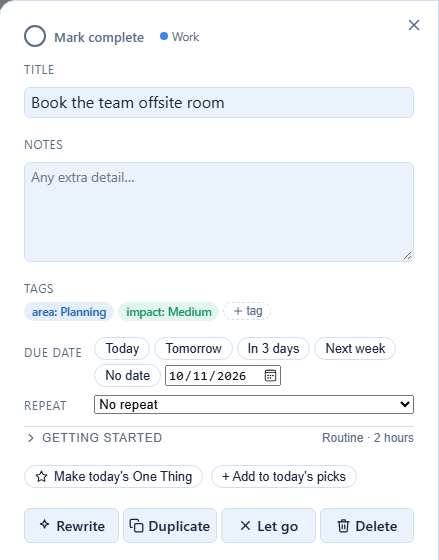
Things go on it and never come off. Did It! makes letting go a real choice — recorded, not deleted — so the list stays one you can look at.
A done-list, not just a to-do list
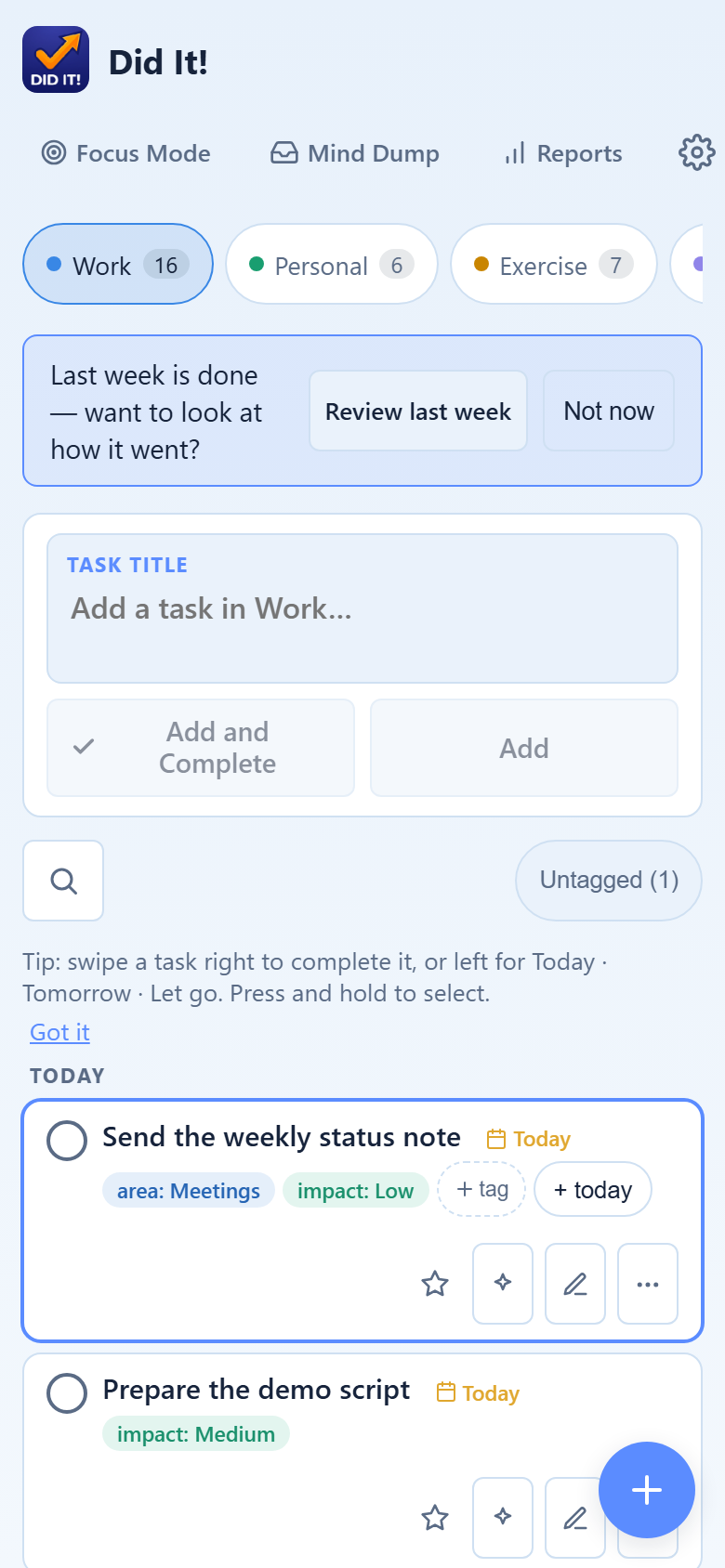
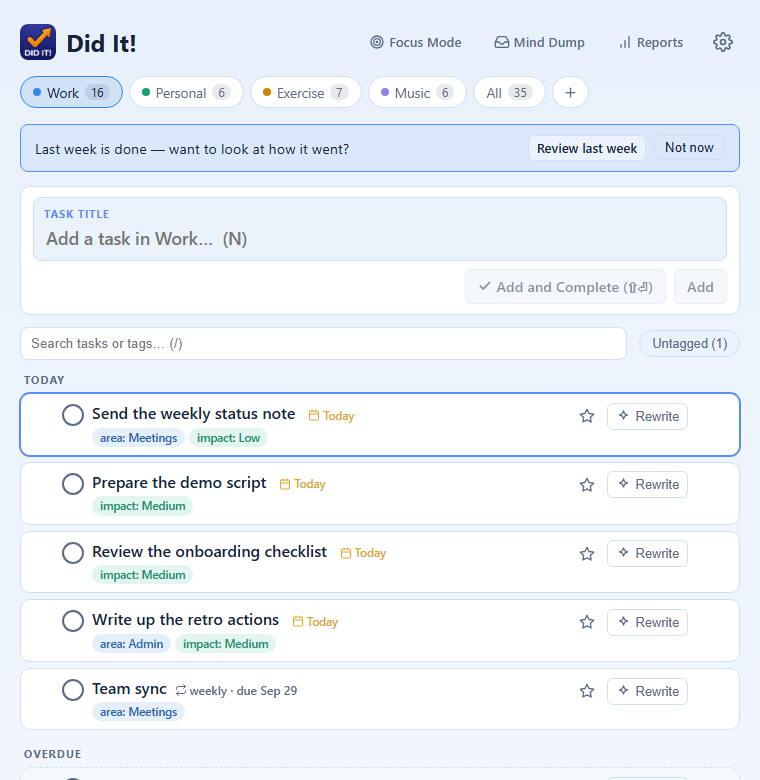
Did It! is a task tracker for minds that run on interest, not schedules. It helps you pick one thing, make it small enough to start, and — most of all — see the work you actually got done.
Built first for ADHD brains, and for anyone whose day doesn't go the way the list said it would.
Things go on it and never come off. Did It! makes letting go a real choice — recorded, not deleted — so the list stays one you can look at.
The work that actually happened was never on the list. Log it after the fact in one tap, and the day shows up as what it was.
Eleven reasonable options is its own wall. Tell it how long you've got and how much you've got in the tank, and it hands you one task.
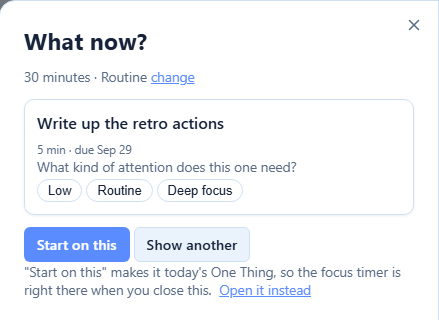
"What now?" asks two questions — how long, and how much energy — and answers with exactly one task. Disagree, and the next one is a tap away. Today's One Thing stays pinned to the top of your list.
Name the first physical move — "open the spreadsheet" — and it sits right on the task. Break a stuck task into a few steps, by hand or with a nudge from AI. Or commit to two minutes, with full permission to stop when the chime goes.
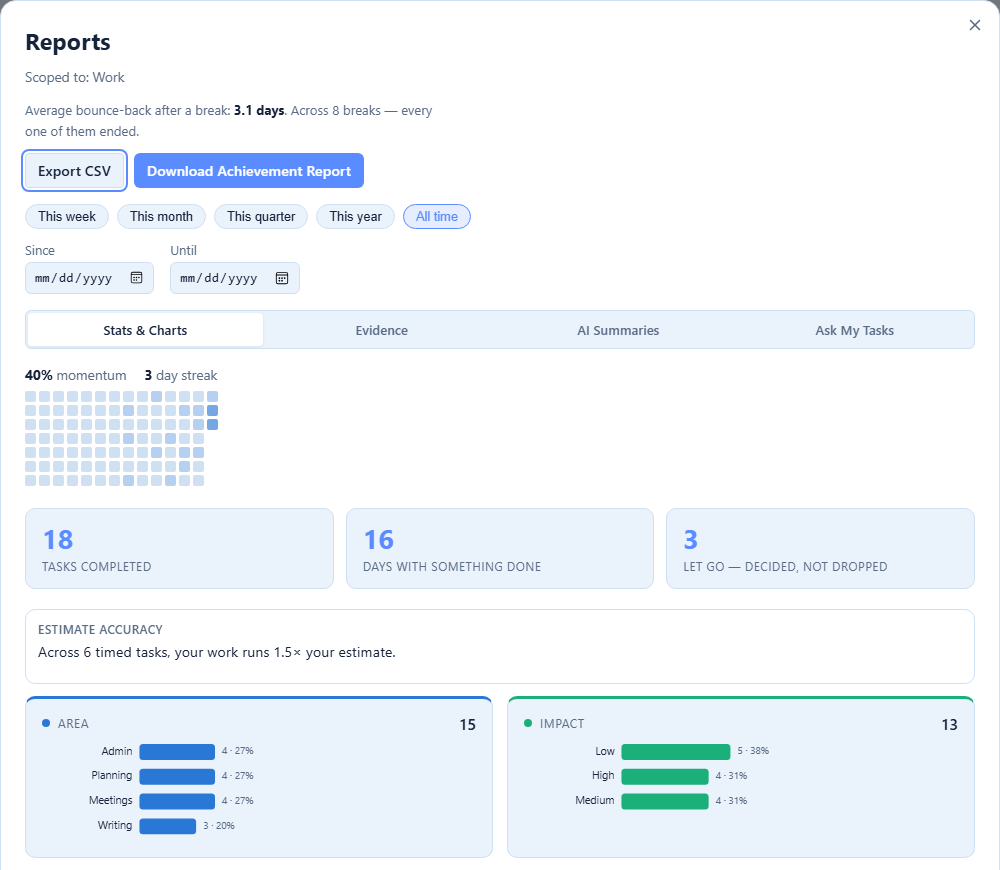
No streak that resets to zero after one bad day. Momentum over 30 days, how quickly you bounce back after a break, and how your estimates compare with reality. Things you chose to let go count as decisions, not failures.
Add it to your home screen and it opens like any other app. Swipe a task right to finish it, left for today, tomorrow, or let go.